Introduction to WhatsEra
Explore how WhatsEra revolutionizes WhatsApp marketing with automation, templates, and campaign management. Simplify customer interactions and boost your business efficiency.
Written By WhatsEra
Last updated 10 months ago
Welcome to WhatsEra, your ultimate partner for transforming the way businesses interact with customers on WhatsApp. Our platform combines powerful automation tools, intuitive interfaces, and seamless integrations to help you achieve exceptional results in marketing, lead management, and customer support.
With WhatsEra, you can elevate your business communication to the next level, saving time, improving efficiency, and maximizing engagement.
What is WhatsEra?
WhatsEra is a robust WhatsApp & Email automation platform designed to simplify and supercharge your business communication. Whether you're managing leads, running marketing campaigns, or engaging with customers, WhatsEra provides the tools you need to achieve more with less effort.
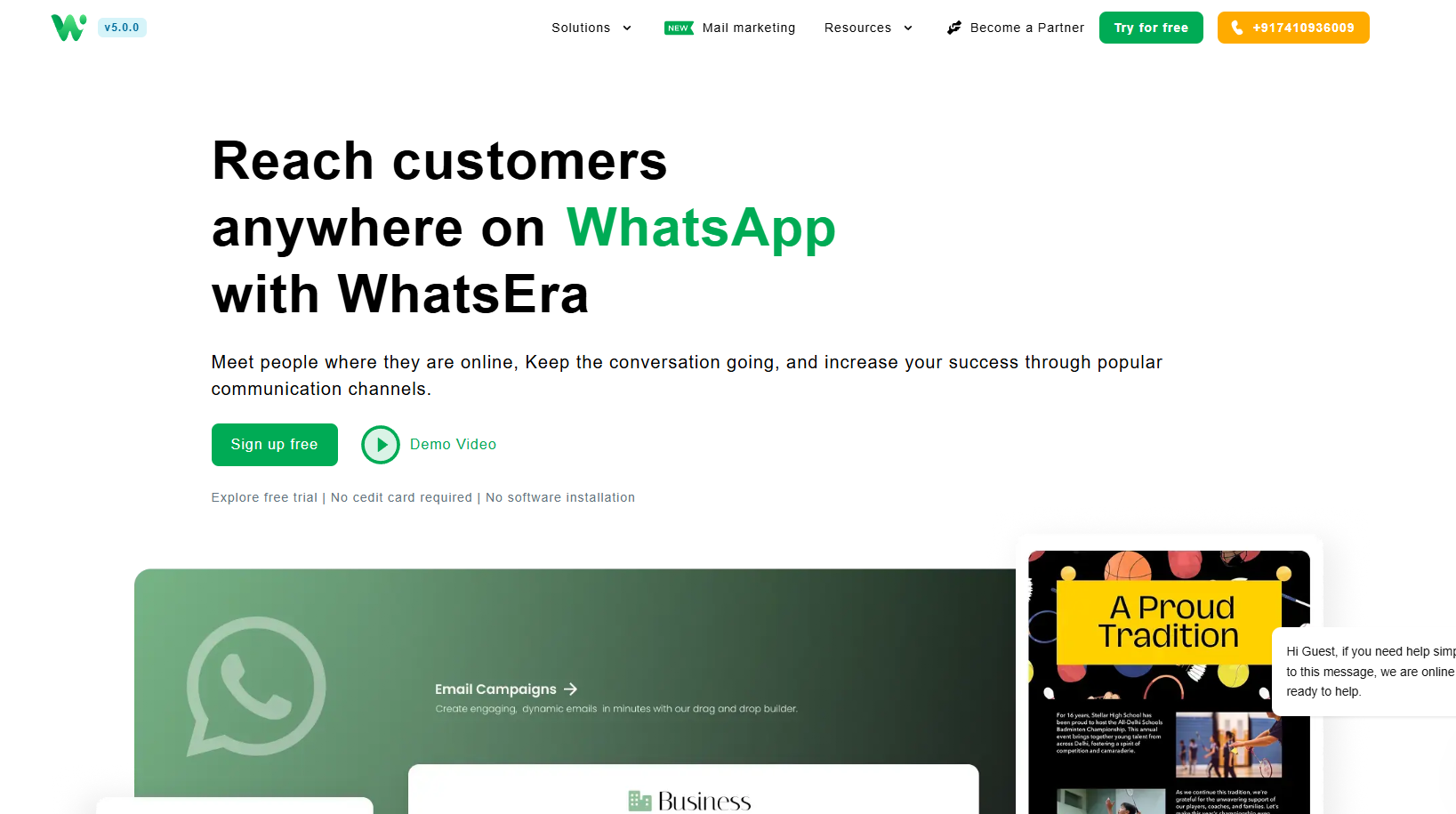
What We Offer in Our WhatsApp tool
Unlock the power of WhatsApp marketing with WhatsEra’s WhatsApp Marketing Tool, designed to help businesses engage customers, boost conversions, and streamline communication. Below is a comprehensive guide to the key features of our WhatsApp tool, empowering you to create impactful campaigns with ease.
Broadcast Campaigns 📢
Send bulk WhatsApp messages to your contacts with ease.
Whether it's promotional updates, announcements, or reminders, reach your audience effectively.
Automated Responses 🤖
Auto-Replies: Never miss a customer query with instant, automated responses.
Welcome Messages: Greet your leads professionally the moment they connect with you.
Contact Management 📋
Upload, organize, and maintain your customer database effortlessly.
Ensure targeted campaigns with segmented contact lists.
Template Management ✍️
Create and use WhatsApp templates for consistent and professional communication.
Integration Options 🔗
API integrations for seamless platform connectivity.
Spreadsheet syncing to manage data efficiently.
Webhooks for real-time updates and custom integrations.
Lead Management 📈
Track and manage leads within the platform.
Provide opt-out options for uninterested contacts.
Generate and manage invoices for your customers.
Analytics & Insights 📊
Gain valuable insights into campaign performance.
How WhatsEra Transforms Your Business Marketing on WhatsApp
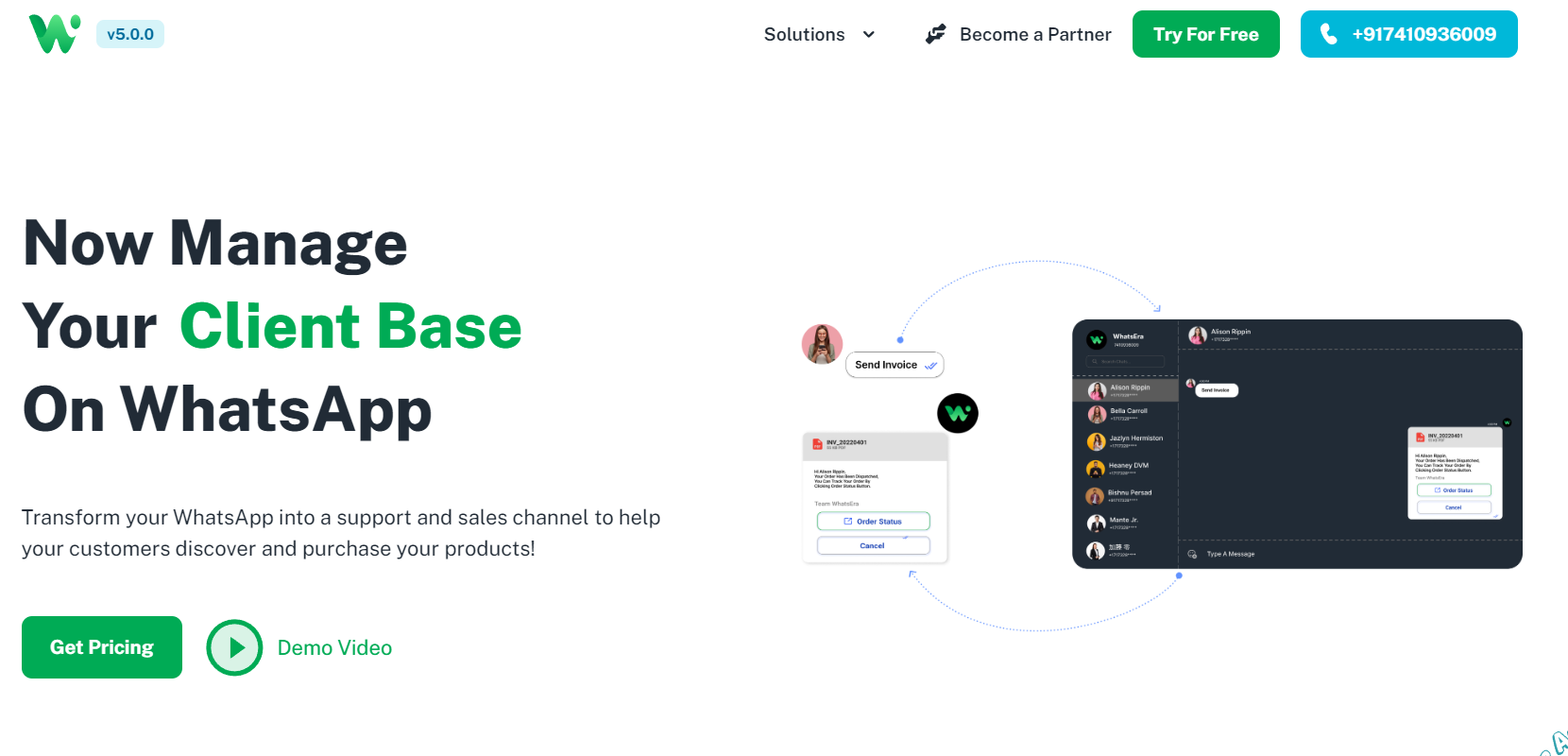
Boost Engagement:
WhatsEra ensures your messages stand out with personalized communication, keeping your audience engaged and interested.Save Time with Automation:
Automate repetitive tasks like replying to FAQs or sending welcome messages, giving you more time to focus on growing your business.Improve Conversion Rates:
Use targeted campaigns and tailored messaging to nurture leads effectively and convert them into loyal customers.Enhance Customer Support:
Provide quick, accurate, and consistent responses to customer queries, improving satisfaction and retention.Streamline Operations:
Integrate WhatsEra with your existing systems to create a unified workflow, reducing manual effort and errors.
Get Started Today!
Visit https://whatsera.com/whatsapp-marketing to sign up for a free trial and experience the power of WhatsEra’s WhatsApp marketing solution! 🌟
What We Offer in Our Email tool
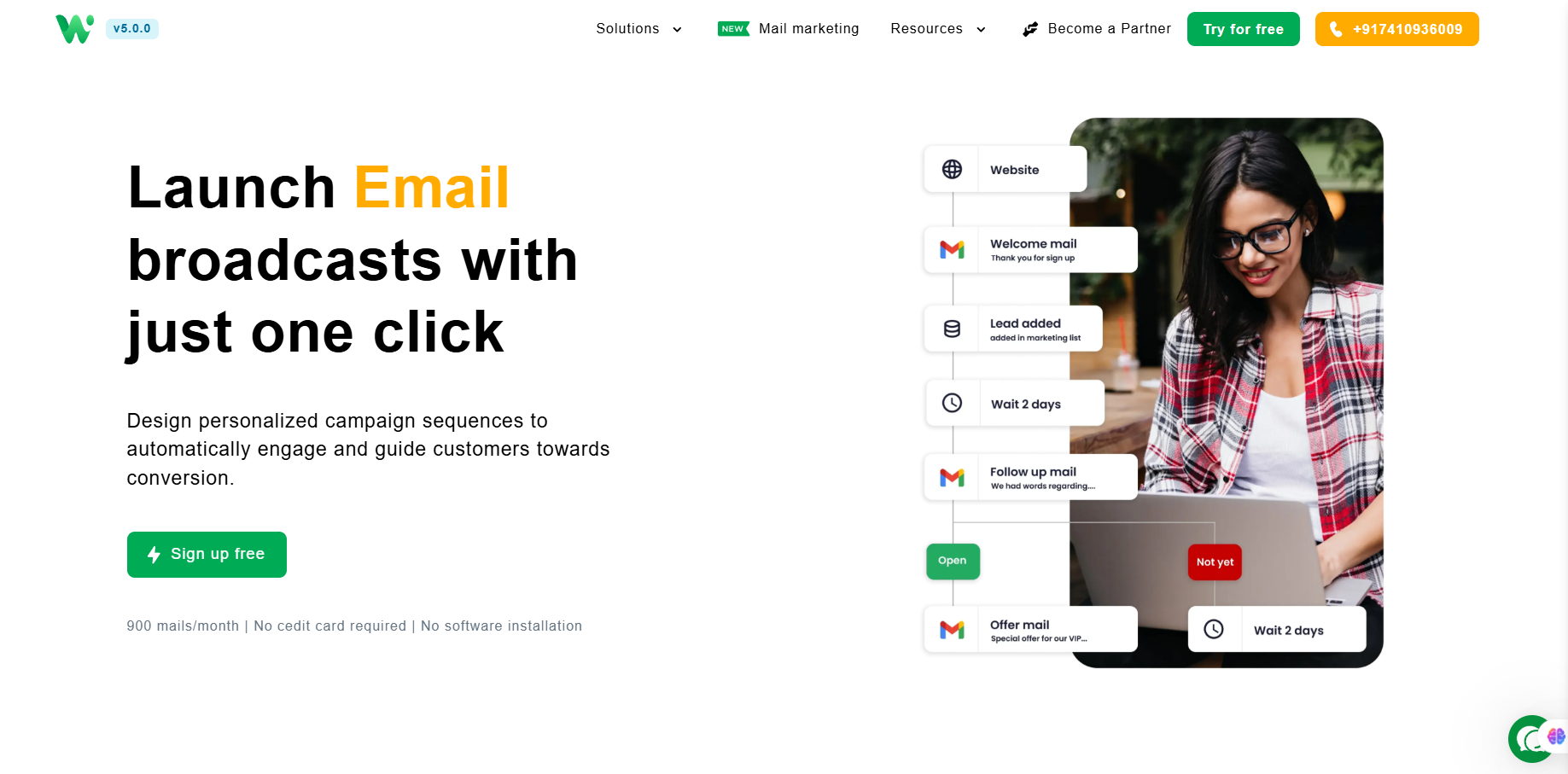
Unlock the power of email marketing with WhatsEra’s Email Marketing Tool, designed to help businesses engage customers, boost conversions, and streamline communication. Below is a comprehensive guide to the key features of our email tool, empowering you to create impactful campaigns with ease.
1. Customizable Email Templates 🎨
Create professional, visually appealing emails with fully customizable templates.
Choose from a variety of pre-designed templates or build your own to match your brand’s identity.
Access a template library (available in higher-tier plans) for quick and efficient campaign creation.
2. Drag-and-Drop Editor 🖱️
Design emails effortlessly using an intuitive drag-and-drop interface.
No coding skills required—create stunning emails in minutes with user-friendly tools.
Customize layouts, images, and text to craft engaging messages tailored to your audience.
3. Custom HTML Templates 🖥️
For advanced users, build emails with custom HTML to achieve precise designs and functionality.
Maintain full control over the look and feel of your campaigns for a unique brand experience.
4. Personalized Emails ✍️
Send targeted, personalized emails to connect with your audience on a deeper level.
Use customer data to tailor content, ensuring higher engagement and conversion rates.
5. Email Validation ✅
Ensure high deliverability with built-in email validation tools.
Verify email addresses to reduce bounce rates and improve campaign performance.
6. Campaign Management 📈
Plan, execute, and track email campaigns with ease.
Organize campaigns to align with marketing goals, such as lead nurturing or sales recovery.
Leverage segmentation for precise audience targeting to maximize results.
7. Custom Reports 📊
Gain insights into campaign performance with detailed, customizable reports.
Track metrics like open rates, click-through rates, and conversions to optimize future campaigns.
Use real-time analytics to make data-driven decisions and improve ROI.
8. Scheduling ⏰
Schedule emails to send at the optimal time for your audience.
Plan campaigns in advance to maintain consistent communication without manual effort.
9. APIs for Seamless Integration 🔗
Integrate WhatsEra’s email tool with your existing tech stack, including CRM, e-commerce platforms, and support systems.
Automate email triggers based on customer actions or events for personalized, timely communication.
10. High Deliverability with Email MTA 🚀
Utilize WhatsEra’s dedicated Email MTA (Mail Transfer Agent) for superior email deliverability.
Reduce costs and enhance customization with an infrastructure-first approach, ensuring your emails reach the inbox.
11. Automation for Efficiency 🤖
Set up automated email sequences to nurture leads, recover abandoned carts, and boost revenue.
Automate transactional emails like order confirmations, purchase receipts, and delivery updates for prompt customer communication.
12. Multi-Domain and Sender Support 🌐
Manage emails from multiple domains and sender profiles (up to 5 in higher-tier plans).
Maintain a professional image across different brands or campaigns from a single platform.
13. Free Trial and Scalable Plans 🆓
Start with a free trial, allowing you to send up to 900 emails per month.
Choose from flexible pricing plans tailored to your needs, including options for 30,000 emails/month (basic plan) or unlimited emails (premium plans).
How WhatsEra Transforms Your Business Marketing on Email
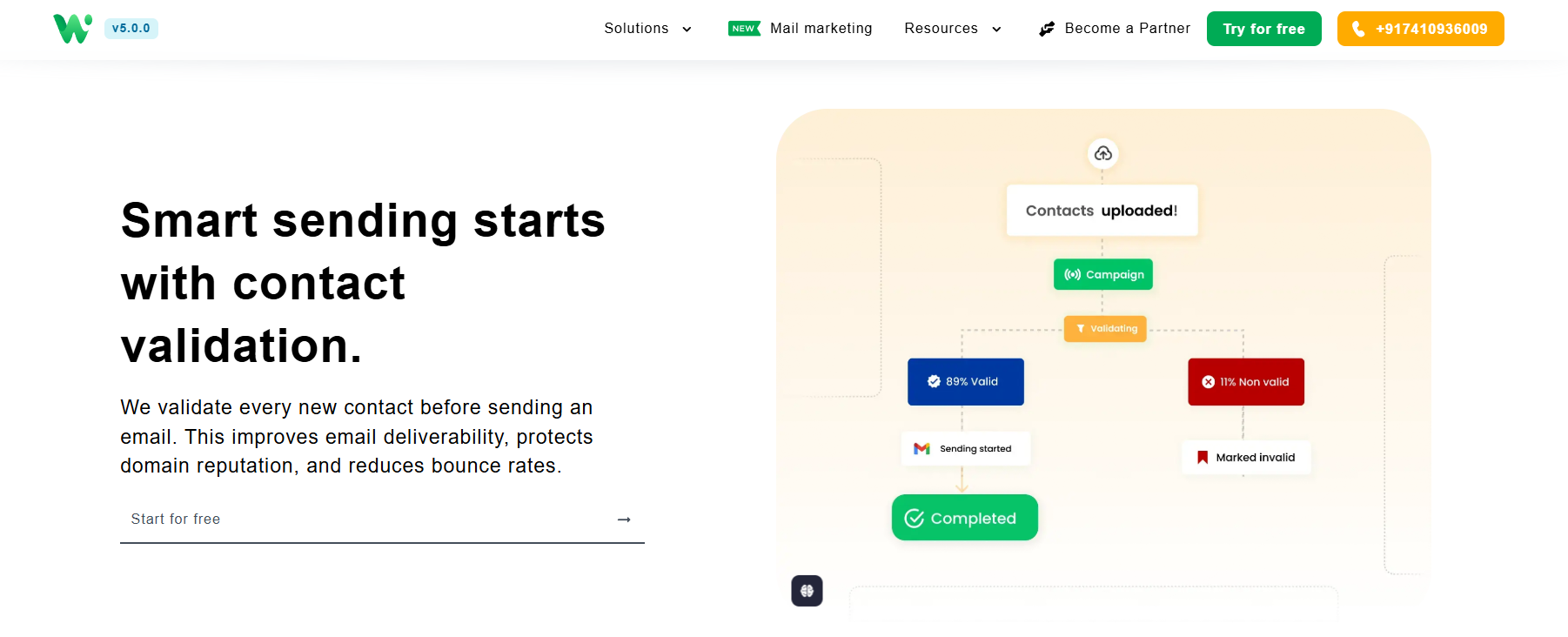
WhatsEra’s Email Marketing Tool empowers businesses to deliver personalized, high-impact email campaigns with ease. Whether you’re a startup, SMB, or enterprise, our platform offers a modern, user-friendly interface packed with innovative features to streamline your marketing efforts and drive measurable results.
Boost Engagement 🌟
WhatsEra’s personalized email campaigns ensure your messages resonate with your audience, driving higher open rates and sustained interest.Save Time with Automation ⏱️
Automate repetitive tasks like sending welcome emails or follow-ups, freeing you to focus on scaling your business and crafting new strategies.Improve Conversion Rates 📈
Leverage targeted email campaigns and tailored messaging to nurture leads effectively, turning prospects into loyal customers.Enhance Customer Support 🤝
Deliver prompt, consistent responses through automated transactional emails and triggered replies, boosting customer satisfaction and retention.Streamline Operations ⚙️
Seamlessly integrate WhatsEra with your CRM, e-commerce, or other systems to create a unified workflow, minimizing manual work and errors.
Get Started Today!
Visit https://whatsera.com/mail-marketing to sign up for a free trial and experience the power of WhatsEra’s email marketing solution! 🌟
WAO Lead Scraper:
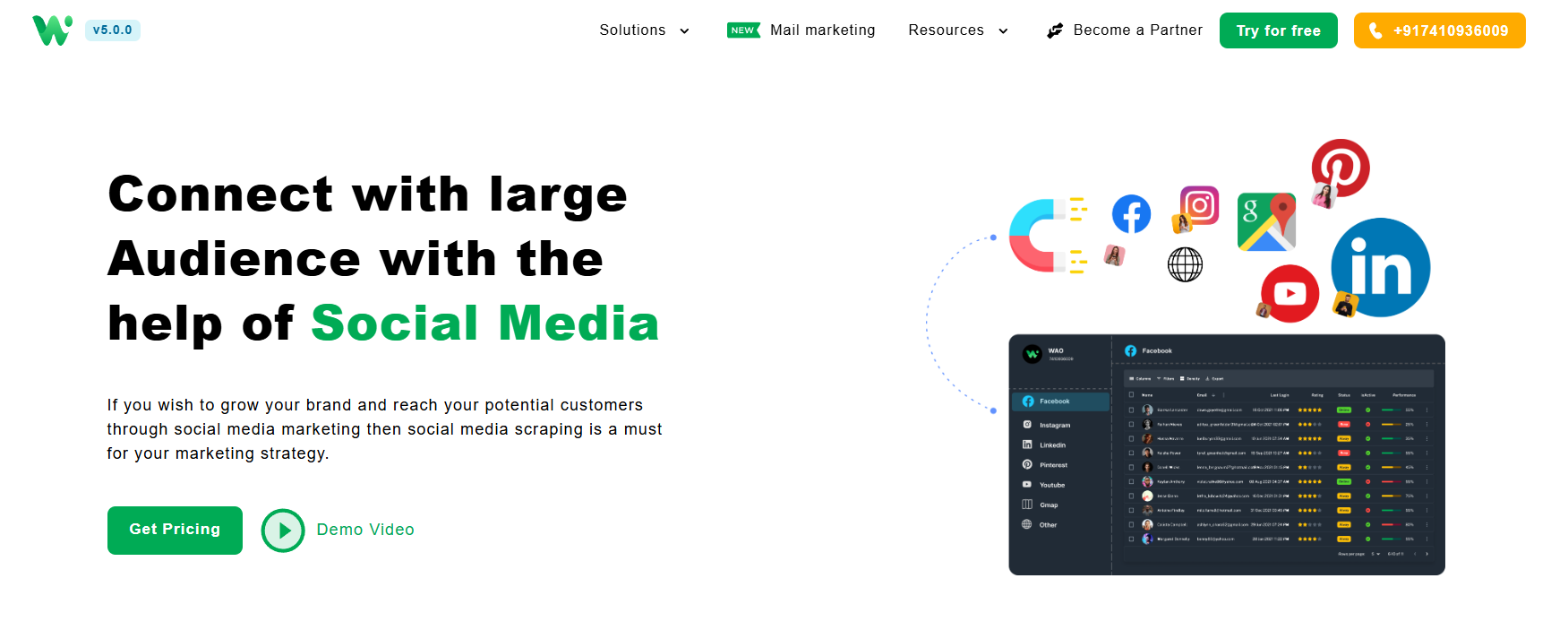
The WAO Lead Scraper by WhatsEra is a desktop-based web scraping tool designed to extract publicly available contact information, such as email addresses and mobile numbers, from social media platforms like Facebook, YouTube, Instagram, LinkedIn, Google Maps, and other public websites. This guide provides step-by-step instructions to help you use the tool for lead generation. The tool operates exclusively on Windows systems.
Prerequisites:
Free Trial: No free trial available for WAO lead scraper.
Subscription: Purchase an active plan to access the WAO Lead Scraper. After subscribing, WhatsEra’s team will provide the tool along with an installation guide.
System Requirements: A Windows-based PC (the tool is not compatible with other operating systems).
Stable Internet: Ensure a reliable internet connection for uninterrupted scraping.
Antivirus: If you have an antivirus then first remove it uninstall it or exclude the WAO from that.
Step-by-Step Instructions:
1. Install the WAO Lead Scraper:
After subscribing to an active plan, WhatsEra’s team will provide the WAO Lead Scraper tool and an installation guide.
Follow the provided guide to install the tool on your Windows PC.
Launch the tool once installation is complete.
2. Select Target Social Media Platform:
In the WAO Lead Scraper interface, choose one platform to scrape (e.g., Facebook, LinkedIn, Google Maps, Instagram, YouTube, or other public websites). The tool scrapes one platform at a time.
3. Define Search Parameters:
Keywords: Enter relevant keywords related to your target audience (e.g., "real estate agents," "fitness studios"). Narrow down your keywords as much as possible for better results.
Location: Specify geographic locations to narrow down leads (e.g., city, state, or country).
How to Scrape Targeted Data from LinkedIn Using Recruitin.net and WAO
For detailed LinkedIn data scraping based on specific keywords, use https://recruitin.net. This tool helps generate filtered Google search queries that you can then paste into the "Others > Keyword" section in WAO to get highly relevant and accurate data.
Steps to Follow:
Visit https://recruitin.net
Select the LinkedIn search option
Fill in the following filters as per your target audience:
Job Title
Location or Country
Keywords to include (e.g., skills, degrees, industries)
Click on “Find the right people on LinkedIn”
Copy the generated Google search query
In WAO:
Paste only the keyword part (e.g.,
+"Engineer"+"India" -intitle:"profiles" -inurl:"dir/") into the "Keyword" fieldPaste the URL part (e.g.,
in.linkedin.com/in/ OR site:in.linkedin.com/pub bachelor OR degree) into the "URL" fieldrest field are same as the other sections like country and number of pages.
Example Query:
https://www.google.com/search?q=+"Engineer"+"india" -intitle:"profiles" -inurl:"dir/+"+site:in.linkedin.com/in/+OR+site:in.linkedin.com/pub/&as_oq=bachelor+degree+licence
Google Search:+"Engineer"+"India" -intitle:"profiles" -inurl:"dir/" site:in.linkedin.com/in/ OR site:in.linkedin.com/pub bachelor OR degree
WAO Entry:
Keyword Section:
+"Engineer"+"India" -intitle:"profiles" -inurl:"dir/"URL Section:
in.linkedin.com/in/ OR site:in.linkedin.com/pub bachelor OR degree
This method helps you extract more targeted and detailed profiles from LinkedIn via Google search, giving you better results for outreach or analysis.
4. Initiate the Scraping Process:
Click the "Start Scraping" button to begin extracting data from the selected platform.
The tool will crawl the platform and collect publicly visible contact information, such as:
Email addresses
Mobile numbers
Social media profiles (e.g., Facebook, Twitter, LinkedIn, Instagram)
Website URLs
Note: The scraping process may take a few minutes to hours, depending on the volume of data.
5. Download the Excel File:
Once scraping is complete, the tool will generate an Excel file containing the extracted leads.
Download the Excel file from the tool’s interface for use in your CRM or marketing software.
6. Integrate with Marketing Campaigns:
Import the downloaded Excel file into your WhatsApp or email marketing tool (if you have an active plan).
Use the contact information to:
Send targeted email campaigns.
Initiate WhatsApp marketing (via WhatsEra’s WhatsApp Sender tool).
Engage prospects on social media platforms.
Monitor campaign performance and adjust strategies based on engagement metrics.
Best Practices:
Compliance: Ensure compliance with data privacy laws (e.g., GDPR, CCPA) by only scraping publicly available data and obtaining consent for outreach when required.
Quality Over Quantity: Focus on high-quality leads by refining search parameters to target your ideal audience.
Ethical Use: Use the extracted data responsibly, avoiding spammy or intrusive marketing tactics.
Regular Updates: Run the scraper periodically to refresh your lead database with new contacts.
Rate Limiting: Avoid overloading target websites by adhering to the tool’s default request limits to prevent being flagged as a bot.
Benefits of WAO Lead Scraper
Time-Saving: Automates the process of collecting contact information, saving hours of manual research.
Cost-Effective: Reduces the need for expensive advertising or outdated lead lists.
Market Insights: Tracks industry influencers and market trends to inform business strategies.
Scalable: Suitable for businesses of all sizes, from solo entrepreneurs to large teams.
Troubleshooting:
No Data Extracted: Check your keywords, location, or platform selection for relevance. Ensure the target platform has publicly available data.
Support: Contact WhatsEra support at +917410936009 for technical assistance or installation issues.
Additional Features:
WhatsApp Integration: Combine with WhatsEra’s WhatsApp Sender for bulk messaging campaigns.
Custom Scrapers: Request custom scraping solutions for specific platforms or data types (contact support for details its chargeable).
Analytics: Leverage built-in analytics to optimize lead generation and campaign performance.
For more information, visit https://whatsera.com/wao-lead-scraper.
Why Choose WhatsEra?
Easy to Use:
An intuitive interface that requires no technical expertise.Affordable Plans:
With competitive pricing, WhatsEra fits businesses of all sizes.Customizable Solutions:
Tailor the platform to meet your unique business requirements.Dedicated Support:
Our team is here to assist you every step of the way.
Start transforming your business marketing on WhatsApp today with WhatsEra.
📌 Sign up now for a free trial: Register Here
📌 Contact us for more details: +917410936009
/