July 8th, 2025
Improved
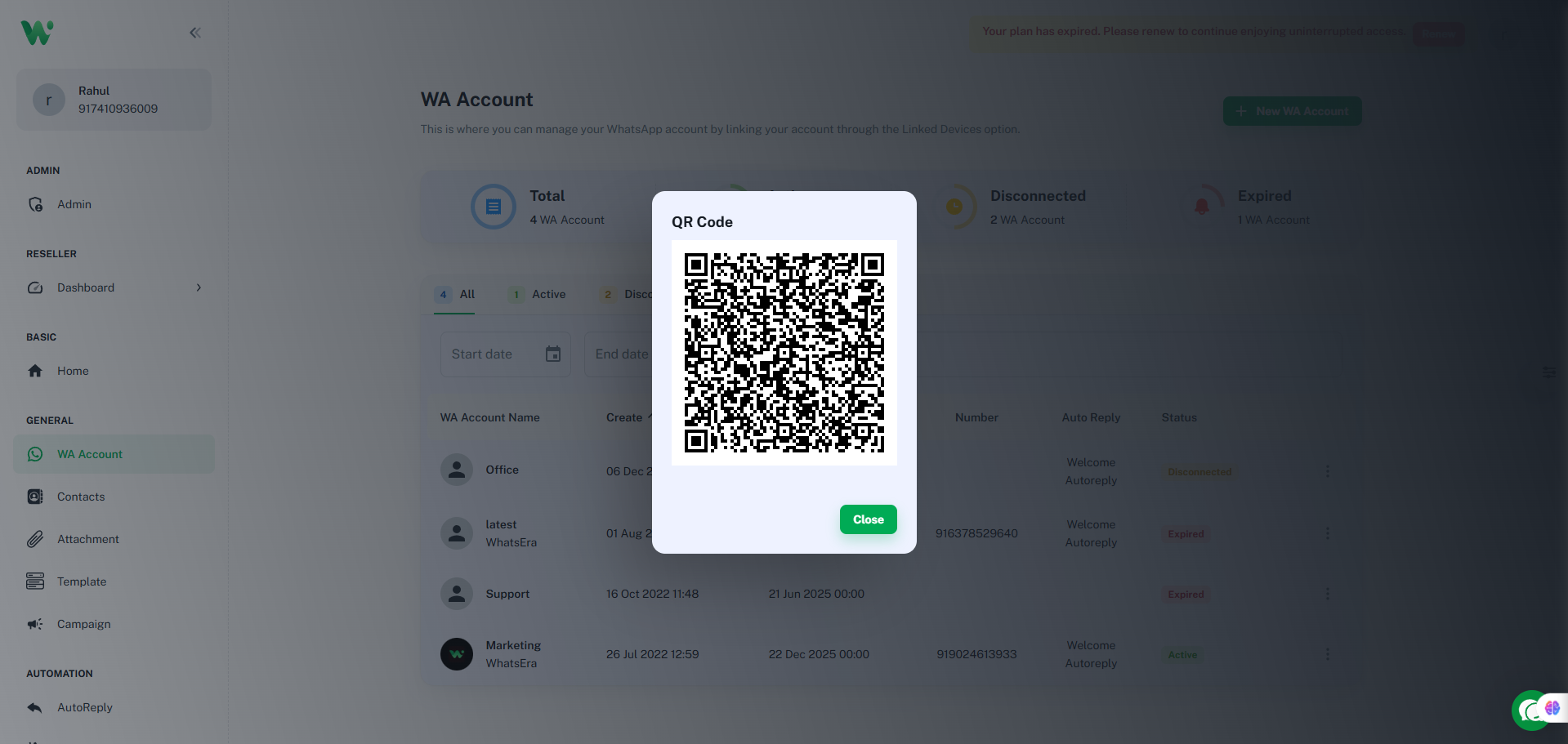
WhatsEra Update: Reconnect Your WA Account 📲
WhatsEra has been updated to align with WhatsApp's latest update, causing all WA accounts (channels) to disconnect. To resume using your account, please reconnect your WA account to your active WhatsEra plan (with a valid due date) promptly! 🚀

Steps to Reconnect:
Open your WhatsEra dashboard and navigate to WA account 🖥️.
Select the WA account tied to your active plan 📅.
Click the three-dot menu (⋮) and choose Connect 🔗.
Scan the QR code using the WhatsApp account you wish to link 📱.
Facing Issues?
Contact our Support Chat or visit WA account for fast assistance! 🛠️
Write a comment...